This is a custom notification!

What are The Top Tools You can Learn in a UI/UX Course?

Imagine trying to paint a masterpiece with a worn-out brush. No matter how creative you are, the wrong tools will limit your art.

That’s exactly what happens when a budding UI UX designer doesn’t know which tools to master.

In today’s fast-paced digital world, design isn’t just about creativity. It’s about how quickly and efficiently you can bring ideas to life. Every app you use, every website you visit, depends on how well someone combined design tools and user understanding.

If you’re opting for a UI UX course in Kolkata, dreaming of creating intuitive digital experiences, the right toolkit can make or break your career. The good news? You don’t need hundreds of tools. You just need the right ones and the right training to use them well.

Let’s explore the essential tools every UI UX design student must master to stand out in Kolkata’s growing design industry.

1. Figma 

When it comes to collaboration and real-time design, Figma tops the list.

It allows you to create, share, and edit designs directly on the cloud. That means no more sending endless design files or worrying about version mismatches.

Figma is loved by design teams across the world for its flexibility. You can build wireframes, interactive prototypes, and even design systems all in one place.

Figma provides an appropriate environment for students learning UI UX design. Not only does it give students a real-world collaborative experience, but it also assists in understanding user flows and testing concepts.

If you are signing up for a UI UX Course in Kolkata, then learning Figma early will put you at a distinct advantage. This will provide a foundation for adapting to agency environments and to meeting client expectations when working on freelance projects involving collaborative design.

2. Adobe XD 

Adobe XD is another favorite among UI designers. It’s built specifically for designing and prototyping user experiences.

With Adobe XD, you can create responsive designs that look perfect on every device. The software also integrates seamlessly with other Adobe tools like Photoshop and Illustrator.

This makes it perfect for those who already love working with the Adobe ecosystem.

You can easily import assets, adjust them, and test user interactions with a few clicks.

Utilizing Adobe XD’s Auto Animate feature, you can easily create a natural, flowing transition between screens. As a student, this skill provides you with a polished professional element in your portfolio.

3. Sketch 

Sketch has been one of the top tools used by UI designers since it was created. It is lightweight and has a very easy-to-use interface. Sketch allows you to create layouts that are pixel-perfect.

Many big brands still rely on Sketch because of its wide range of plugins and integrations.

However, Sketch works best when you understand how to organize design systems. It teaches you discipline in design from consistent typography to structured color palettes.

Even though it’s a Mac-exclusive tool, many studios still prefer hiring designers skilled in Sketch. Learning it can open up more global opportunities, especially for remote work.

4. Adobe Photoshop 

No list of design tools is complete without Adobe Photoshop. It’s the classic tool every designer must know.

While UI UX design is more about experience and flow, Photoshop sharpens your eye for visual detailing.

You’ll use it to edit images, create textures, or retouch icons.

Knowing Photoshop also helps you understand how colors, shadows, and contrast impact usability.

Photoshop allows you to be unrestricted in your imagination when it comes to giving an image that visual impact. Using Photoshop is also extremely useful when creating thumbnail images or icons, web pages, etc.

5. Adobe Illustrator

While Photoshop handles raster images, Illustrator handles vector graphics.

Illustrator is ideal for the development of logos, icons, and scalable graphics that can scale up or down without losing quality.

Learning how to produce vector graphic components is necessary for all UI designers because the majority of modern interfaces include icons and vector-based illustrations.

Illustrator gives you that creative freedom to design from scratch while maintaining precision.

It’s also a great skill to have if you ever want to move into branding or product design later in your career.

6. InVision 

InVision is a great tool for turning static designs into clickable, realistic prototypes.

It helps you simulate user interactions before the final build, making it easier to test usability.

As a student, you’ll learn how to think like a user, testing what works and what doesn’t.

You can also share prototypes with mentors or teammates for instant feedback.

InVision’s cloud platform also helps you manage design projects smoothly, which is essential when working with clients or teams remotely.

7. Miro 

Great design starts with great ideas.

Miro is a digital whiteboard where you can brainstorm, map user journeys, or sketch design ideas collaboratively.

It’s especially helpful during the early stages of design projects. You can plan layouts, user flows, and even content structures visually.

Creativity merged with organization defines a basic design concept; every designer must learn to manage these two functions.

8. Zeplin 

Once your designs are ready, you’ll need to hand them over to developers.

That’s where Zeplin shines. It creates a bridge between design and development by translating your design into code-friendly specs.

It automatically generates style guides, assets, and measurements for developers.

This reduces confusion and speeds up the development process.

Learning Zeplin early gives you a clear understanding of how real-world teams work together.

You’ll appreciate how design connects with coding, which makes you a more complete designer.

9. UsabilityHub 

Design without testing is guesswork.

UsabilityHub helps you test your design decisions with real users. You can run quick surveys, preference tests, and click tests.

This feedback helps you understand how users think and interact with your designs.

It also trains you to accept constructive criticism, an essential part of growing as a designer.

With UsabilityHub, you’ll make design decisions based on real data, not assumptions. That’s what separates great designers from good ones.

10. Canva

Canva is an excellent choice when you need to create mockups quickly or create social media graphics.

Even though it is usually considered a beginner’s tool, it can be incredibly beneficial when you need to create mockups or presentations in a hurry.

You can use the platform to create and download mockups of simple user interfaces, as well as for creating pitch decks and portfolio pieces.

Its drag-and-drop interface is user-friendly and allows you to concentrate on your layout and how to tell your story visually.

Plenty of designers, before they proceed to more advanced platforms like Figma or Adobe XD, make use of Canva so they can share design concepts with clients quickly.

Conclusion

Becoming a skilled UI UX designer isn’t just about creativity. It’s about mastering the tools that turn ideas into reality.

Each tool plays a unique role from ideation and wireframing to testing and final delivery.

If you’re serious about building a career in this field, start exploring them one by one.

A good UI UX Course in Kolkata will not just teach you software but also the design thinking behind it. Institutes like Weavers Web Academy focus on practical, job-ready training that helps you apply these tools effectively in real projects.

The design world is evolving fast, and so should you.

Master these tools, build real-world projects, and you’ll be ready to turn creativity into a successful career.

Because in UI UX design, your tools aren’t just software, they’re your creative companions on a journey of innovation.
How Do UI/UX Design Skills Boost Your Resume?

In today’s competitive job market, having a strong/ standout resume is key to everything. Whether you are a developer, designer, marketer, or business analyst, adding UI/UX design skills to your resume can help you leave the competition behind. But how exactly do these skills make your resume shine? Well, let’s dive into the world of UI/UX designing and find out why it is one of the coveted abilities in the industry.

What are UI/UX design skills, and why do they matter?

Before we dive into the specifics of the skills, let’s first understand what UI/UX stands for. UI, which refers to the User Interface. It is all about the visual elements of the product – whether it is an app or a website. So this includes buttons, typography, and layouts. On the other hand, UX emphasises on the overall user experience, making sure that the product is intuitive, functional, and enjoyable.

This brings us to the question – “Why do UI/UX skills matter?” Well, in a world where people constantly depend on digital devices, businesses have come to realise the need to prioritise user satisfaction. When you enroll in popular UI/UX designing courses, you’ll learn how visually stunning websites and apps can significantly influence customer retention and boost brand loyalty. In fact, UI/UX bridges the gap between functionality and aesthetics – exactly what we need in the digital era.

  • Make your resume more versatile

Ever wondered how versatile you could become with the right UI/UX design skills? Well, employers across different industry verticals – from tech startups to retail biggies, look for candidates who can think from the user’s point of view. So, by listing your UI/UX expertise on your resume, you position yourself as a candidate who is adaptable and capable of contributing to projects beyond the primary role.

Can UI/UX skills help developers or marketers? Absolutely! For instance, as a developer, understanding UI/UX will allow you to code keeping the interests of the users. As for marketers, it will help in coming up with customer-centric campaigns that resonate more effectively.

  • Enhance your problem-solving skills

At its very core, UX is all about problem-solving. How to make the product more accessible? Why are users abandoning the cart at checkout? Acquiring UI/UX skills allows you to analyse, identify, and resolve issues. Employers love problem-solvers, and having the skill mentioned on your resume sends out a clear message of you being proactive. It also shows your ability to collaborate with others, especially in cross-functional teams. Moreover, UI/UX design often needs input from product managers, developers, and marketers.

  • Adds creativity to your profile

In a sea of job applications, creativity can often be the differentiator or standout feature. As you would find out when you get into a UI/UX designing course, that it is inherently creative. It involves wireframing, prototyping, and crafting stunning interfaces. By having these skills listed on your resume show that you know much beyond the hard skills and don’t lack creativity. 

To put it into perspective, if you’ve ever created a prototype using tools such as Adobe XD or Figma, you can list it on your resume. This shows your ability to transform ideas into tangible designs. Employers always appreciate when candidates have hands-on experience and aren’t shy of thinking out of the box.

  • Stay relevant in the digital-first world

Believe it or not but around 88% of online consumers are less likely to return to a website after a poor experience. This statistic alone shows the importance of UI/UX design. This is again why modern UI/UX designing courses are great for landing a good job. Companies/ businesses these days are working hard to improve user experiences, which means UI/UX professionals are in great demand. By including UI/UX design skills in your resume, you’re telling the world that you are keeping up with the times and meeting the modern demands of businesses.

  • Boost your earning potential

For those who do not know, UI/UX designers are some of the highest paid professionals. So, even if you do not want to become a full-time designer, you can still benefit from these skills. It gives you a competitive edge, especially during salary negotiations. Modern businesses go for candidates who bring something extra to the table, and UI/UX designing is one skill that truly sets you apart. For example, if you’re looking for an opening for the role of a product manager, showcasing your knowledge in UI/UX can justify a higher pay package because you can take/ oversee design changes.

How to showcase your UI/UX skills on the resume

Wondering how to feature your skills on the resume? Well, don’t worry, we’ve got your back! Here are some practical tips to help you with that.

  • Use keywords: When drafting your resume, use specific terms such as ‘wireframing,’ ‘user research,’ and ‘interactive design,’ just to name a few. This will help if the recruiting firm or company uses applicant tracking systems (ATS).
  • Highlight tools: If you are a UI/UX designer, chances are that you have used tools such as Figma, Adobe XD, or Sketch. Don’t forget to mention the tools in the resume, as it gives employers an idea of your technical capabilities.
  • Showcase projects: If you have a portfolio link, include that in the resume. If that’s not an option, you can at least describe specific projects where you’ve put your UI/UX skills to use. For example, you can add that you redesigned the signup screen.
  • Certifications: Successfully aced a UI/UX course? Don’t forget to mention it on the resume. Certifications validate your expertise and help employers make an informed decision. Whether it’s a short course or a comprehensive program, these make you a more credible candidate.

Choosing Weavers Web Academy’s UI/UX course in Kolkata

Weavers Web Academy has been around for quite some time now and, over the years, has successfully become one of the coveted places for comprehensive IT training. We are known for our tailored curriculum that comes with guaranteed placement assistance.

At Weavers Web Academy, we are very serious about the education and successful placement of our students, and that is what separates us from our competitors. So when you join our UI/UX course, you not only get industry-best training but also get industry grooming, doubt-clearing sessions, and a lot more.

If all this interests you, and you want to land a job in IT in just 6 months, feel free to get in touch with our team at Weavers Web Academy.

Taking the leap is all that separates you from a successful career. Call now!

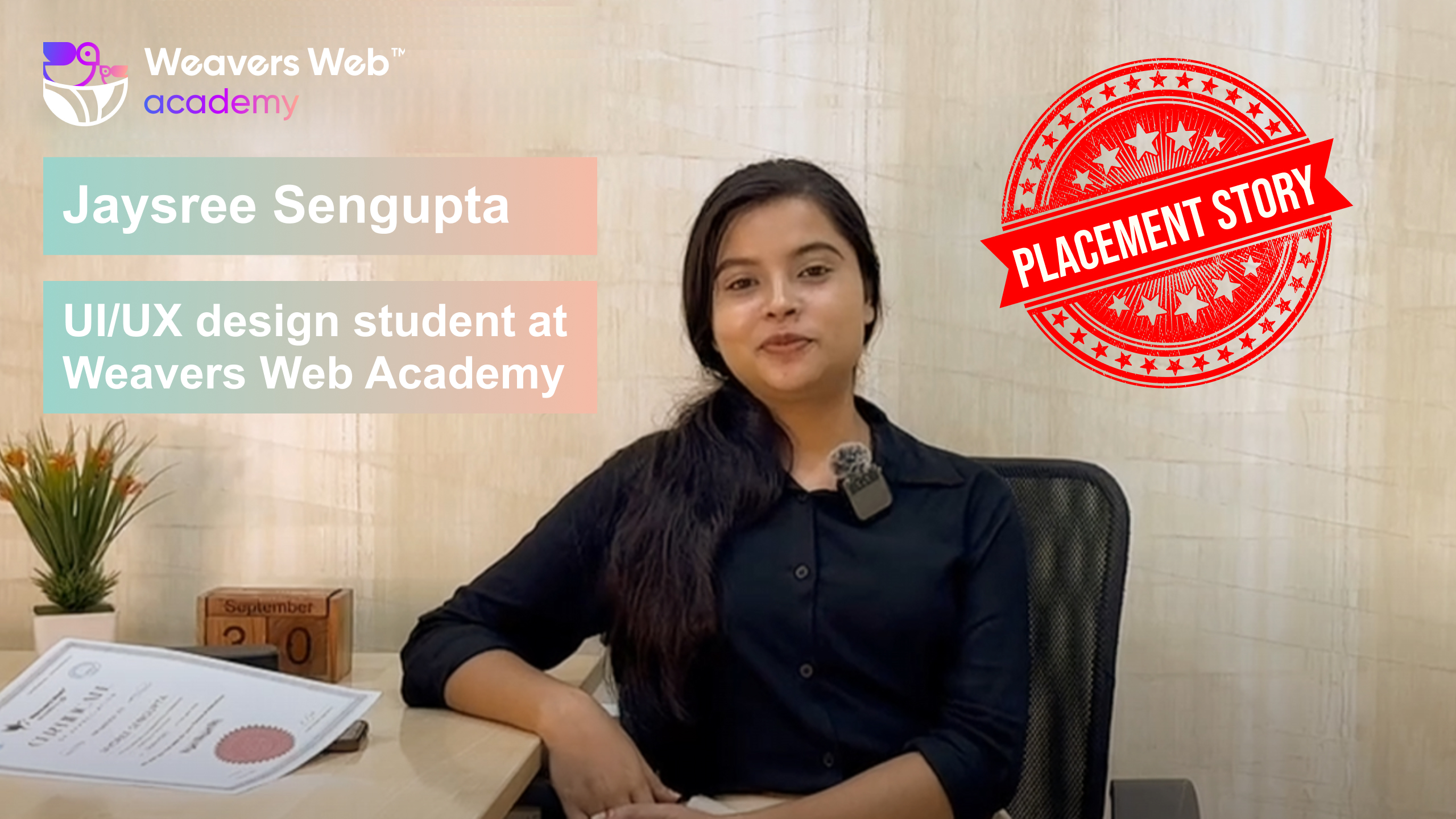
Jaysree’s Success Story at Weavers Web Academy

Are you stuck in a job where you feel a little out of place? Are you fresh out of college, not knowing what to do next? Well, many often wish they had little hand holding early on in their career and did things a little differently. Luckily, you have Weavers Web Academy – a platform for students and young professionals to hone their skills and make the right steps in their careers. This is exactly what Jaysree did! Who is she? Well, Jaysree Sengupta is a student-alumni of Weavers Web Academy, and this is the story of how she defied all odds and changed her career trajectory.

As Jaysree points out, life was all hunky dory even a year back, and she was in the media industry, but that was the time when she realised she was missing something! A part of her wanted to do more and explore a different world – the creative world of UI/UX. Though she doesn’t really know why she was drawn to this, we believe her friend Chandrani – a UI/UX designer at Weavers Web Solutions, may have a role in it all. After all, a career as a UI/UX designer sure has lots of prospects.

How did it all start? Well, it wasn’t a split-second decision for sure! The transition from one industry to another requires thorough planning and help from people who can guide you through the process; this is where our trainer/ mentor, Dibyendu Sir, stepped in. “Although I was starting from scratch and didn’t have any idea in UI/UX, Sir paced the classes such that it made it easy for us to grab things well, even with our limited prior exposure to UI/UX,” revealed Jaysree. Well, we couldn’t have said it any better. At Weavers Web Academy, we have a team of experienced faculty who make learning fun, and the curriculum is set as per your convenience. This is what has helped us garner attention in such a limited time, as Weavers Web Academy has become one of the prime spots in Kolkata for students and young professionals looking to hone their skills in UI/UX designing, graphic designing, website designing, and more.

But what good is a course/ curriculum if it can’t help students get placed in good companies and go on their professional journey on a positive note? Well, that’s where we come in. Weavers Web Academy is proud to have one of the best placement cells in Kolkata, and we make sure that our students start their journey on the right path. Upon successfully completing the course, Jaysree appeared for an interview, and voila! She was selected! We couldn’t have been more excited for her to join a renowned IT company in Kolkata.

At Weavers Web Academy, we not only help our students hone skills and get job-ready but also help them with frequent doubt-clearing sessions and review sessions – all geared towards building their confidence. Jaysree agrees that this helped her a lot in the final stages when she was about to complete the course and appear for interviews.

Wondering how the selection process was? Well, Jaysree was kind enough to share some tidbits. It basically consisted of three rounds – a machine test, followed by an interview, and then an HR round. In the machine test, she was asked to design a poster for an event and follow a few points. Of the 18 candidates, only four proceeded to the interview round, and Jaysree was the first of them. Her interview went equally good and she ultimately bagged the job offer. 

It is not only a moment of pure joy for Jaysree, we too are elated, and so are her buddies who were part of her batch at Weavers Web Academy. This is the kind of love and camaraderie that we share at the academy. So, if you are looking to get into the creative world and seek to get job-ready, Weavers Web Academy is the place for it. Give us a call at 8013104060 for more info on our courses and how we can help you land a great job. Connect now!

Also, do check out Jaysree’s video testimonial where she talks about her journey at Weavers Web Academy and more.

SuccessStories

At our company, we pride ourselves on offering an unparalleled experience that transcends the ordinary. Our services are meticulously crafted to cater to your every need.

Weavers Web Academy
Rahul Sarkar

- React Js Developer

Weavers Web Academy
Tanima Bhattacharayya

- UI Developer

Weavers Web Academy
Biplab Mondal

- React JS Developer